SubLater holds each subtitle back a beat — about two seconds — so you catch the line by ear before your eyes can read it. Listening practice on the shows you already watch.
14-day full trial · the core features stay free forever
FEEL THE DIFFERENCE
TRY IT BEFORE YOU INSTALLWhen subtitles appear instantly, your eyes do the work.
Give yourself a moment to catch the words first.
No subtitles. Just you and the sound.
See how much you caught by ear.
Replay, shadow, and get familiar with the line.
LISTENING MODE
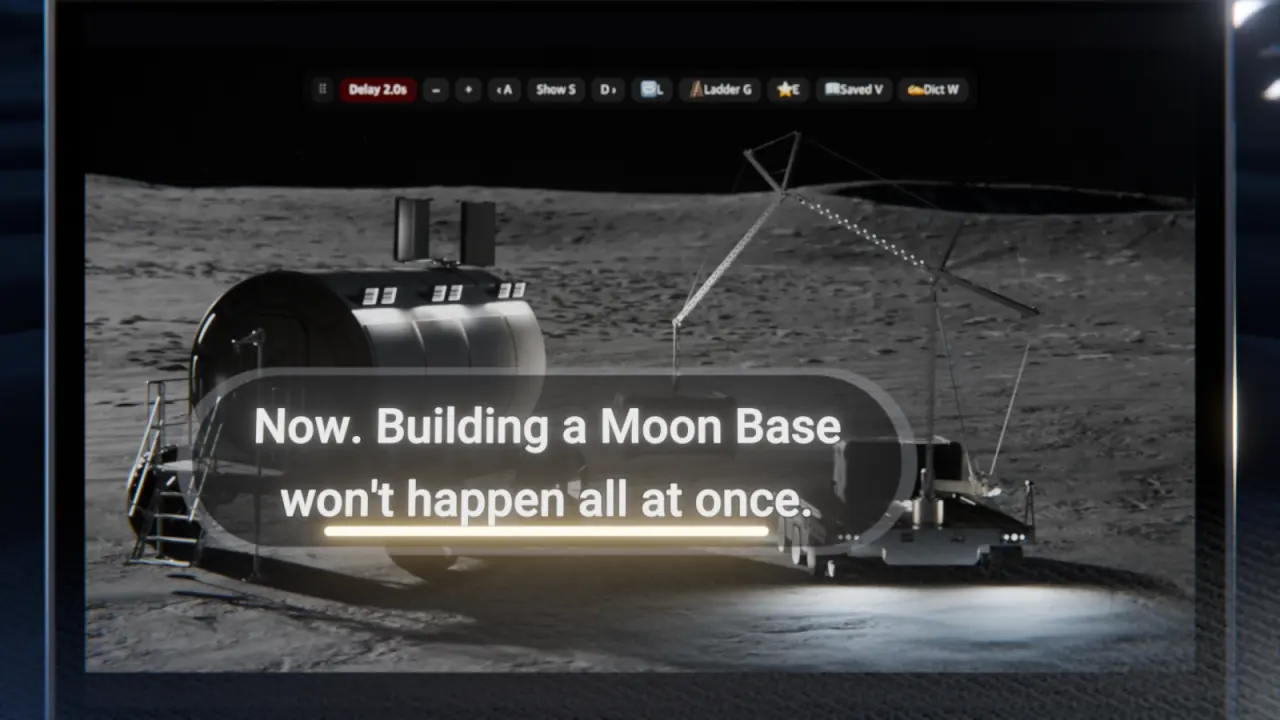
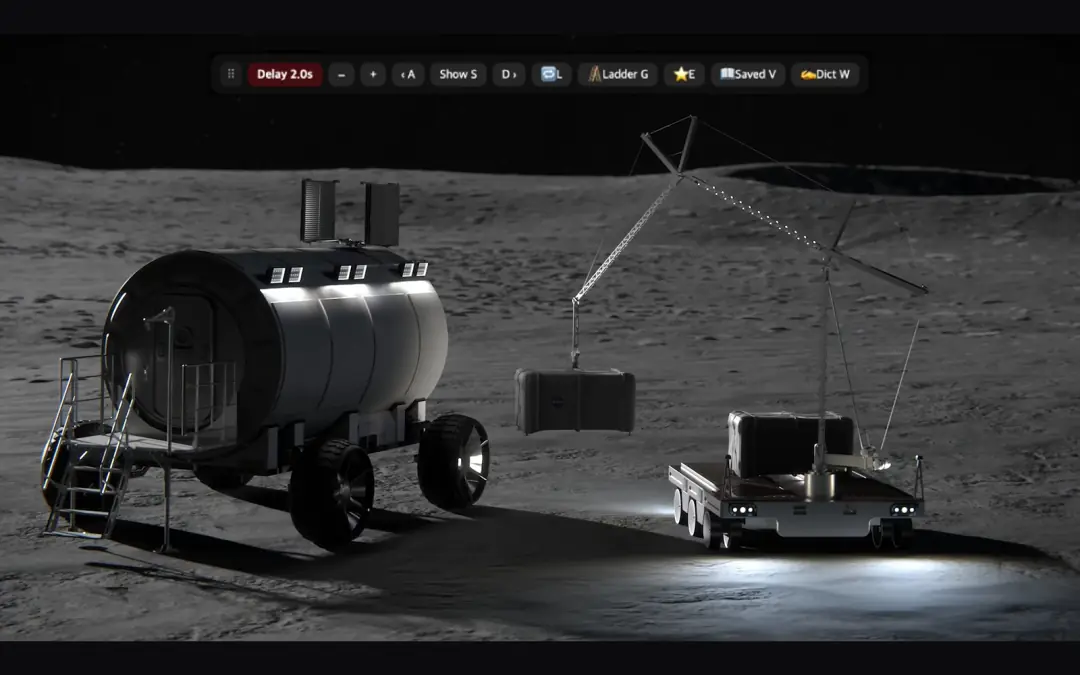
Now. Building a Moon Base
won’t happen all at once.
Press play below to try it
Free: 2.0 s · Trial and Pro: adjustable from 0 to 5 s
Dual subtitles make watching comfortable. SubLater makes you prove you heard it.

Subtitles arrive a beat late — 2.0 s on the free plan. During the trial and with Pro you set the delay from 0 to 5 seconds, or keep them hidden until you press S (Reveal mode).

Jump to the previous or next line (A/D), replay it (R), loop it (L), or pause automatically at the end of every line (P).

Type what you heard and get an instant score (W). Lines you replay are collected for review, and Pro exports them to Anki.

Turn on Korean subtitles: they arrive after you hear them, with an English line underneath when the title has English subtitles. Hover a Korean word to see its meaning and how it actually sounds.
No separate app. It runs on the streaming sites you already watch.
After the 14-day full trial nothing locks. The core stays free for as long as you use it.
Listen
Practice
Save
Works out to $4.17 a month · or $8.99 monthly
Listen
Practice
Save
Pro for the Safari app is bought inside the app.
SubLater was built for Korean speakers learning English, and it now works the other way round too. Here is exactly what you get.
Install the extension from the Chrome Web Store and start right away. Pick monthly or yearly on the checkout page — Pro bought here is for the Chrome extension. Prices in USD; tax may be added depending on where you live.
For Safari on Mac and iPad, get it from the App Store (on iPad: everything except Disney+ · on iPhone: YouTube only, with Request Desktop Website turned on). Pro for the Safari app is bought inside the app.
* AI explanations need Chrome's built-in on-device AI (Gemini Nano) — not available in Whale, Safari, or on lower-spec devices.
Contact: hello@sublater.com · Refund policy
New here? Start with the how-to guides — step-by-step, with screenshots, for Netflix, YouTube and Safari on iPad.
14-day full trial · the core features stay free forever