Reading Netflix subtitles instead of listening?
You put subtitles on to help you follow, and by the end of the episode you’ve mostly been reading. When the words land with the audio, your eyes get there before your ears. SubLater holds each subtitle back a beat: hear the line, then check it.
At a glance
- An extension for Chrome and Naver Whale on your computer (Safari on Mac and iPad via the App Store app)
- Free: delay off (0 s) or on (2.0 s), replay, line navigation, dual subtitles
14-day full trial · the core features stay free forever
Instant vs. a beat later
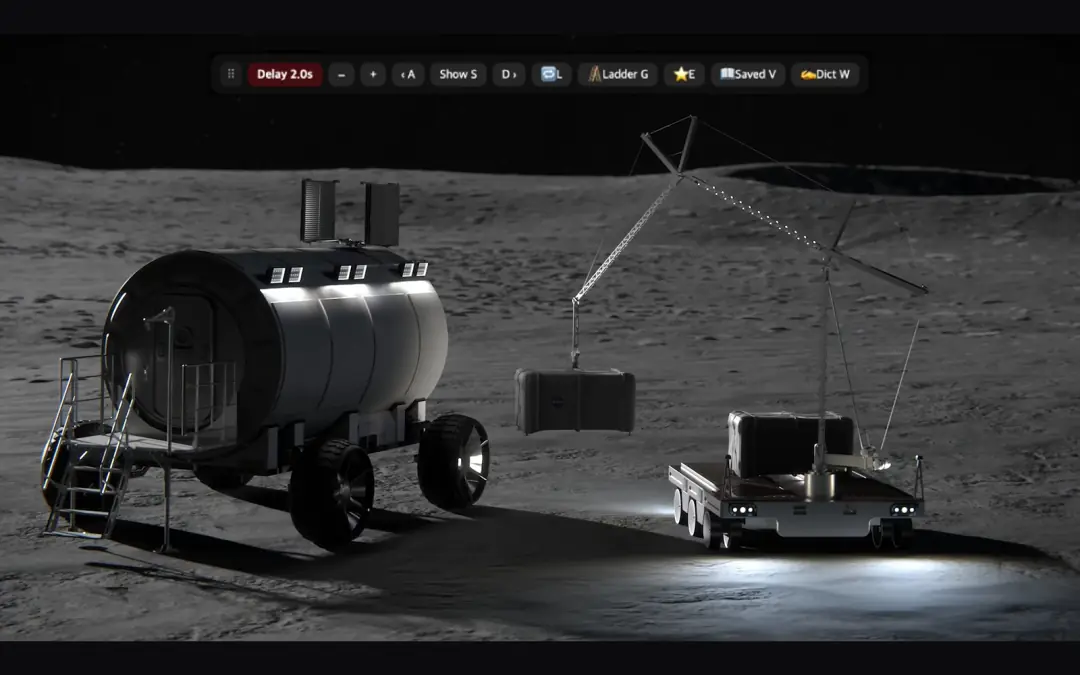
Switch between them. “Instant” pulls your eyes to the text; “A beat later” lets you hear the line before you see it.
The demo and the video both use NASA public-domain footage, not Netflix. The video was recorded on YouTube.
Turn it on in Netflix
- Add SubLater to Chrome or Whale on your computer.
- Reload any Netflix tab you opened before installing.
- Start a title and, in the subtitle menu, turn on subtitles in the language being spoken (English or Korean). SubLater won’t do this for you.
- Subtitles now arrive a beat late.
S show it now R replay line A/D previous/next line −/+ delay off/on / shortcut card
Which languages?
SubLater is built for Korean ↔ English.
- Dual subtitles: the second line is Korean, or English when your subtitles are Korean, if the title has that track. It arrives a beat late, together with the main line. Other pairs aren’t supported. T toggles it.
- Word lookups: definitions on English subtitles are in Korean; Korean subtitles get English meanings and pronunciation.
- Dictation scoring: English and Korean.
What’s free
Everything for 14 days, then nothing locks.
Free
Delay off or on (2.0 s), dual subtitles, line navigation, replay and loop, auto-pause, word lookups, 10 scored dictation lines a day, 50 saved linesPro
Delay from 0 to 5 s in 0.5 s steps, Reveal mode (subtitles wait for S), unlimited dictation and more · PricingFAQ
Subtitles still show up right away.
Check that subtitles are on and the tab was reloaded. Delay off? Press +. SubLater off? Press H.
I see two sets of subtitles.
Another subtitle extension (Language Reactor, for example) is drawing its own. X hides its subtitles without turning it off; press again to bring them back. If SubLater can’t hide that extension, it says so.
Does it work on a phone or iPad?
Not on phones, Android Chrome included. On iPad and Mac, use the SubLater app from the App Store in Safari. Netflix doesn’t play in iPhone browsers.
Install
Naver Whale StoreGet it for Safari — App Store (Mac, iPad)
14-day full trial · the core features stay free forever